1 · New Production
Open New Production. Temporary clips, references and brief choices reset. Your saved styles remain available only if explicitly saved.
 Your first Finish
Finish
Start with a short, non-sensitive recording.
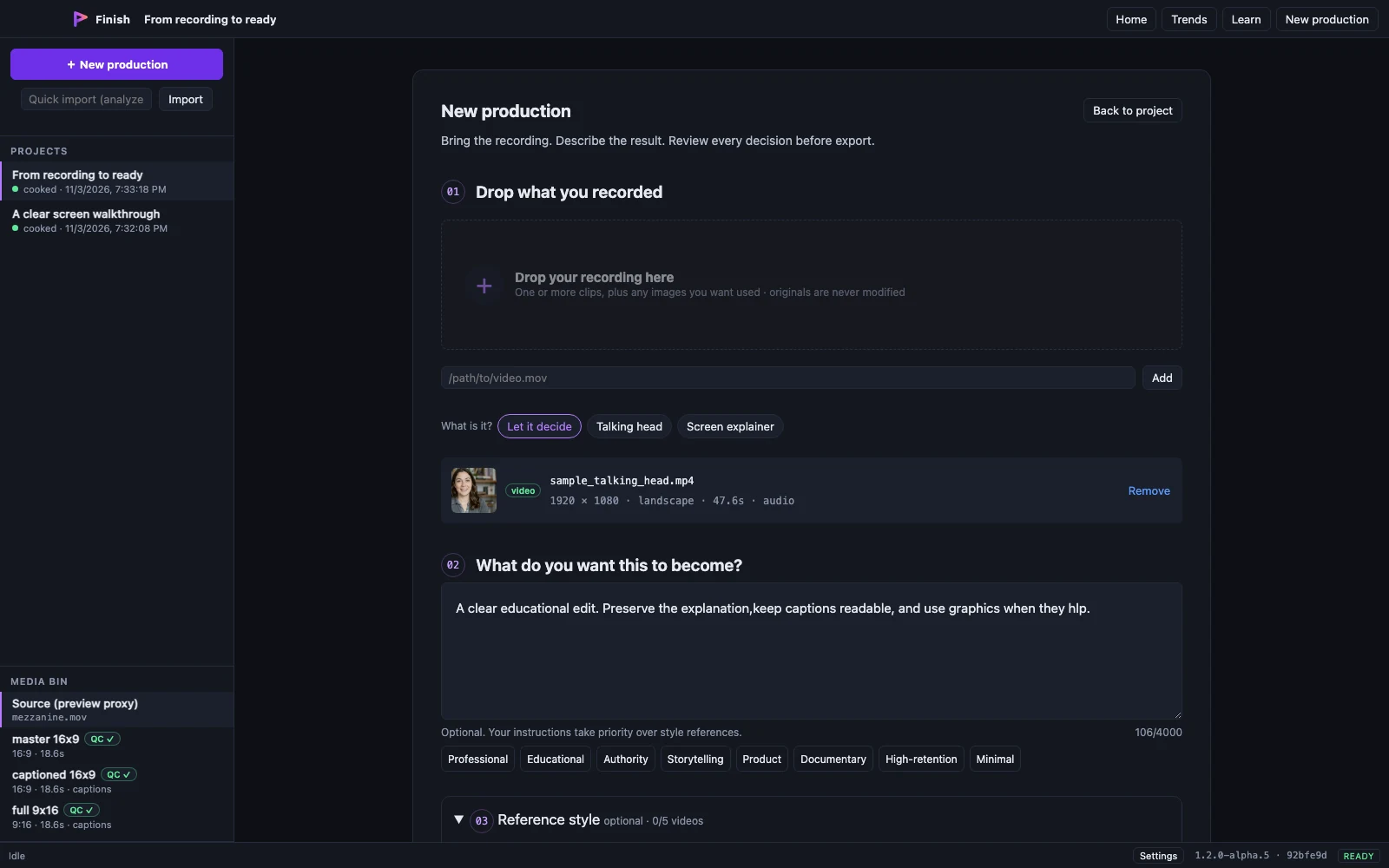
Open New Production. Temporary clips, references and brief choices reset. Your saved styles remain available only if explicitly saved.
Add the recording being edited under Your footage. Optional Reference Style accepts 1–5 separate inspiration videos; these never become production clips.
Add a plain-language brief. Choose an approach and intensity, or let Finish decide. Read the Finish Plan before Cook.
Wait for analysis and production to finish. Confirm captions and inspect the full result. Adjust the timeline if needed, then export and watch the exported file.